Bitcoin Mining Guide
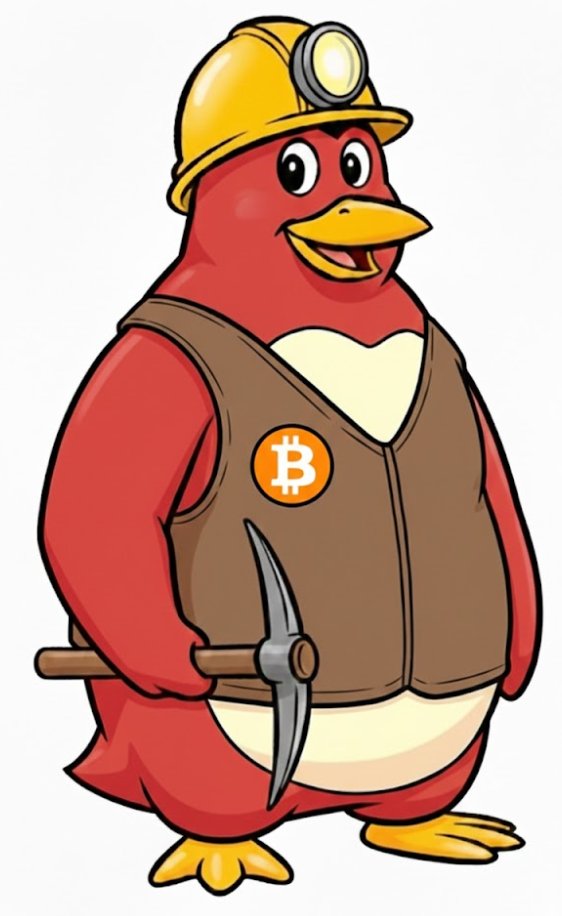
Meet Waddl3r - Your Crypto Expert Guide!
Hello there! I'm Waddl3r, your friendly neighborhood mining penguin and crypto expert. I've been mining Bitcoin since the early days, and I'm here to help you understand how this amazing technology works. Let me walk you through the entire Bitcoin mining process, step by step!
Understanding Bitcoin Mining
Bitcoin mining is the backbone of the Bitcoin network. Here's what you need to know:
What Does Mining Actually Do?
When you mine Bitcoin, your computer is performing the following tasks:
- Processing Transactions: Your mining software collects pending transactions from the Bitcoin network
- Creating Blocks: These transactions are bundled into a "block"
- Solving Mathematical Problems: Your computer tries to solve a complex mathematical puzzle
- Securing the Network: The solution proves that computational work was done (Proof of Work)
- Earning Rewards: The first miner to solve the puzzle gets 50 BTC plus transaction fees
The Mining Process Explained
Step 1: Get a Bitcoin Wallet
Before you can receive mining rewards, you need a Bitcoin wallet to store your coins. You can download the official Bitcoin client from bitcoin.org or use an online wallet service.
Step 2: Download Mining Software
There are several mining programs available:
- CPU Miners: Ufasoft Miner, Cpuminer
- GPU Miners: CUDA Miner (for Nvidia cards), Poclbm (for AMD/ATI cards)
Step 3: Configure Your Miner
You'll need to configure your mining software with:
- Your Bitcoin wallet address (where rewards will be sent)
- Mining pool information (if joining a pool)
- Your hardware settings (CPU threads or GPU settings)
Step 4: Start Mining!
Run your mining software and watch it work. You'll see statistics like:
- Hash Rate: How many hashes per second your hardware can compute (measured in MH/s or KH/s)
- Shares Accepted: How many valid proof-of-work solutions you've submitted
- Temperature: Keep an eye on your hardware temperature
Solo Mining vs. Pool Mining
Solo Mining
When you mine solo, you're competing against all other miners to solve blocks. If you find a block, you get the entire 50 BTC reward! However, with the current difficulty, it might take a long time to find a block on your own.
Pool Mining (Recommended for Beginners)
Mining pools combine the computing power of many miners. When the pool finds a block, the reward is split among all participants based on how much work they contributed. This provides more regular, predictable payouts.
Popular mining pools include:
- Slush's Pool (mining.bitcoin.cz)
- BTCMine
- Bitcoin Pooled Mining
Understanding Mining Difficulty
Bitcoin automatically adjusts the mining difficulty every 2016 blocks (approximately every two weeks) to maintain an average block time of 10 minutes. As more miners join the network, the difficulty increases. As of late 2010, the difficulty is still relatively low, making it possible to mine with regular computer hardware.
Expected Returns
Your mining profitability depends on several factors:
- Hash Rate: Higher is better (CPU: 1-10 MH/s, GPU: 50-300 MH/s)
- Power Costs: Mining uses electricity, factor this into your calculations
- Current Difficulty: Changes every 2016 blocks
- Bitcoin Value: Currently trading around $0.20-$0.30 per BTC
- Hardware Costs: Initial investment in equipment
Tips from Waddl3r
Waddl3r's Pro Tips:
- Start with pool mining to see regular returns while learning
- Monitor your hardware temperatures - keep things cool!
- Join the Bitcoin community forums at forum.bitcoin.org
- Keep your mining software and wallet updated
- Calculate your electricity costs before investing in hardware
- GPU mining is much more efficient than CPU mining
- Back up your wallet regularly - those Bitcoins are valuable!
Getting Help
If you need assistance, the Bitcoin community is friendly and helpful. Visit the forums at forum.bitcoin.org or join the IRC channel #bitcoin on Freenode.
Ready for Hardware Recommendations?
Now that you understand how mining works, check out our Hardware Guide to learn what equipment you'll need to get started!